 Stitch
Fifty clips in your camera roll.
One video to share.
Stitch joins the short videos or photos on your iPhone into one video, in the order you want. Then it clears the originals away, so your library keeps one file instead of dozens.
Coming soon to the App Store in India
For iPhone, iOS 26 or later. Free to download.
How it works
- Pick. Choose your videos, or your photos, in the order you want them. As many as you like.
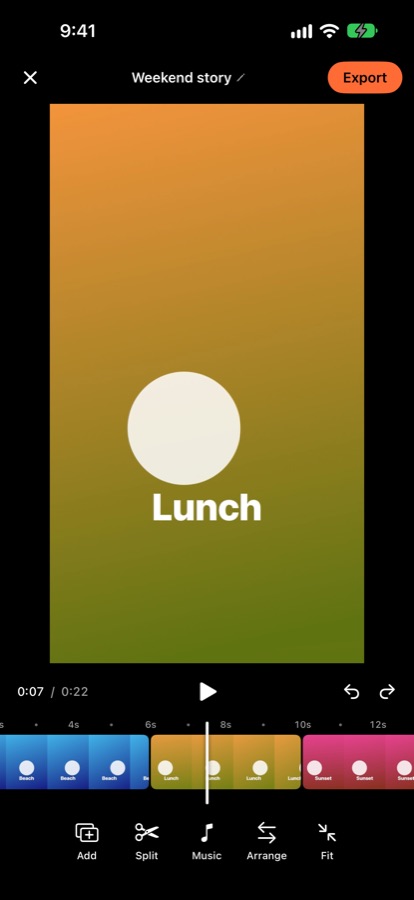
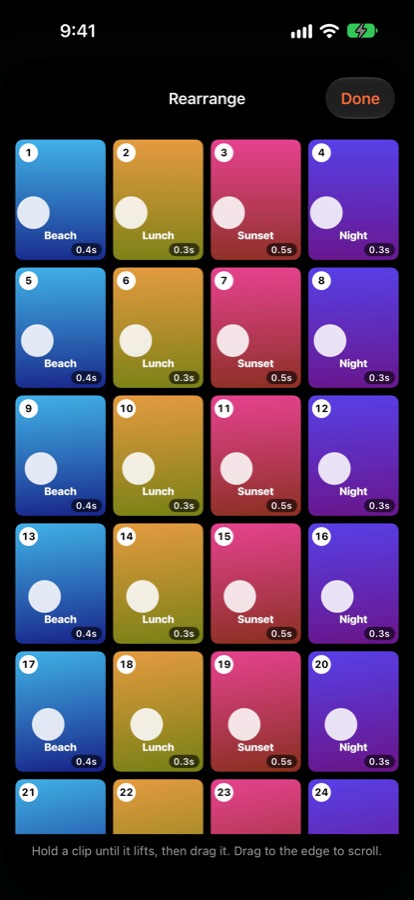
- Arrange. Split, trim and move clips on the timeline. Hold a clip to drag it anywhere.
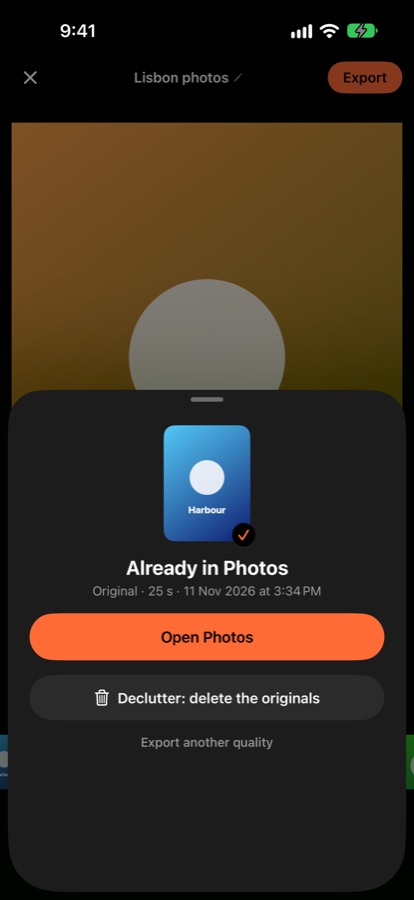
- Save and declutter. Save one video to Photos, then delete the originals in one step.
Too many clips to send?
Send one video instead of fifty. Stitch joins every clip into a single file that is easy to share in any chat. There is no length limit.
Worried about losing quality?
When your clips match, Stitch joins them without re-encoding, so the video looks exactly as you filmed it. Or choose 4K or 1080p for a smaller file; each choice shows its size first.
Photos everywhere?
Turn them into a video too. Show each photo for 3, 5 or 10 seconds, or your own time, whole or cropped to fill the frame. Add music from your own files.
iPhone full?
Once the video is saved, Declutter deletes the originals for you. Photos keeps them in Recently Deleted for 30 days, so a mistake is easy to undo.
Who sees my videos?
Only you. Stitch has no account, no ads and no tracking. Your photos and videos never leave your iPhone. Privacy policy.
Price
Stitch is free to download and edit. Free copies save videos up to 60 minutes long. A one-time purchase removes the limit, with no subscription, and Family Sharing lets your family use it too.
Stitch does not edit effects, text or transitions: it joins, arranges and declutters.
© 2026 Rohit Kundliwal